
Client statistics
Evaluate your client base by activity, new clients, returns, and cancellations
What client statistics show
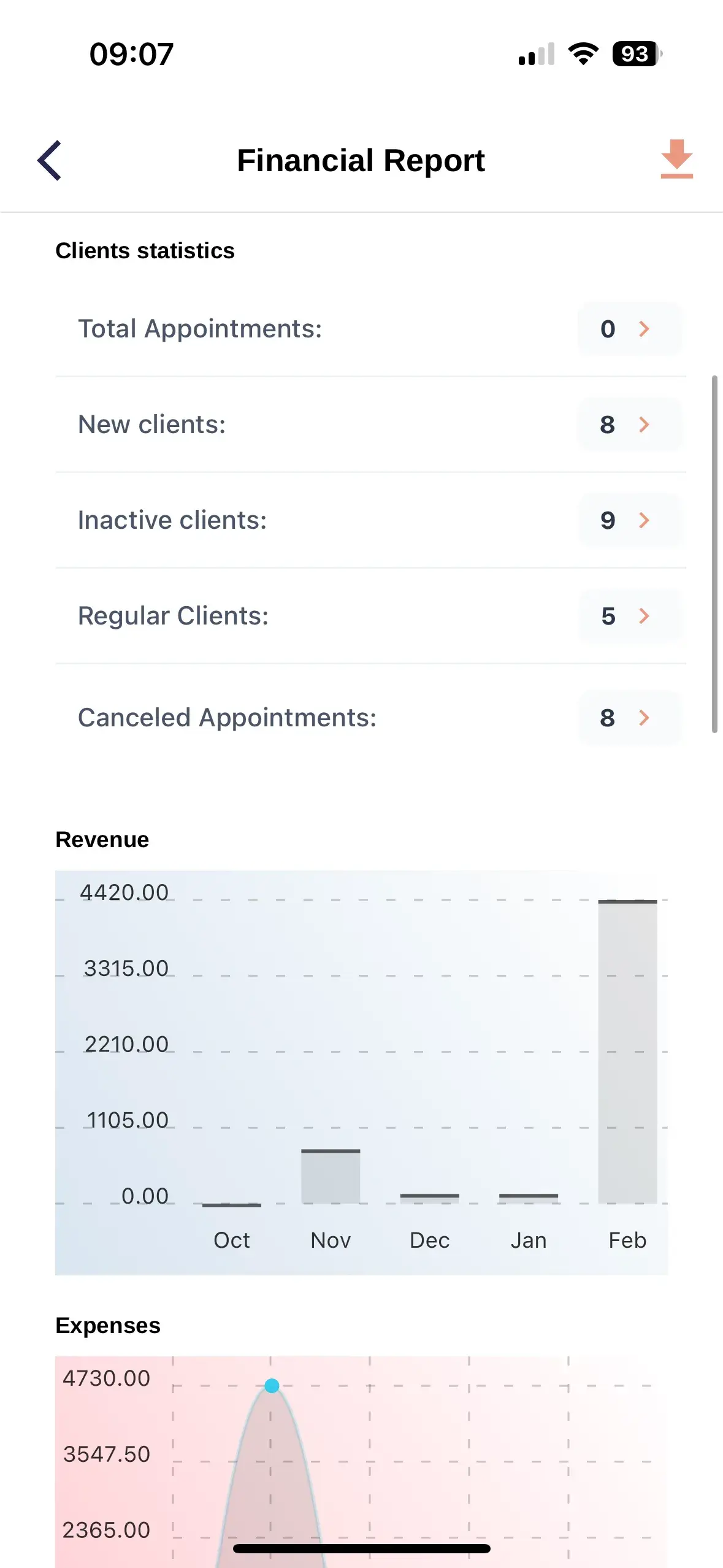
This section shows the overall condition of your client base for the selected period, including appointments, new, inactive and regular clients, and cancellations.
Main figures
Five client activity metrics
Appointments
Total appointments created during the period
New clients
Clients appearing for the first time during the selected period
Inactive clients
Clients who have not returned for a long time
Regular clients
Clients with consistent repeat visits
Cancellations
Canceled appointments during the period
How to read the figures
Appointments
Indicate total demand and workload
New
Help evaluate new client acquisition
Inactive
Show how many clients stopped returning
Regular
Reflect the stability of the client base
Cancellations
Help assess lost schedule time
Signs of a healthy client base
New clients are arriving
The client base continues to grow
Inactive clients decrease
More clients are returning
Regular clients increase
A stable audience is forming
Cancellations are controlled
The schedule is used more efficiently
What requires attention
Fewer new clients
Review acquisition sources and online booking
More inactive clients
Clients may not be returning after their first visit
Many cancellations
Review cancellation reasons and booking conditions
Few regular clients
Improve rebooking and retention
How to improve the figures
Attract new clients
Simplify online booking and track client sources
Return inactive clients
Use personal messages and relevant offers
Support regular clients
Offer loyalty cards and rebooking
Reduce cancellations
Use reminders, cancellation rules, and prepayment
How to analyze the statistics
- Open the financial summary
- Select a reporting period
- Review total appointments
- Compare new and regular clients
- Review inactive clients
- Check cancellations
- Compare with the previous period
Compare equivalent periods
Compare a month with the previous month or equivalent weeks. Account for seasonality, holidays, and changes in working hours.