
Receipts
Connect TakBull, enter client details, and create a receipt after a service or sale
How receipts work
ZmanUp sends transaction data to the connected TakBull service, which creates the document. A receipt can be created after completing an appointment or selling a product.
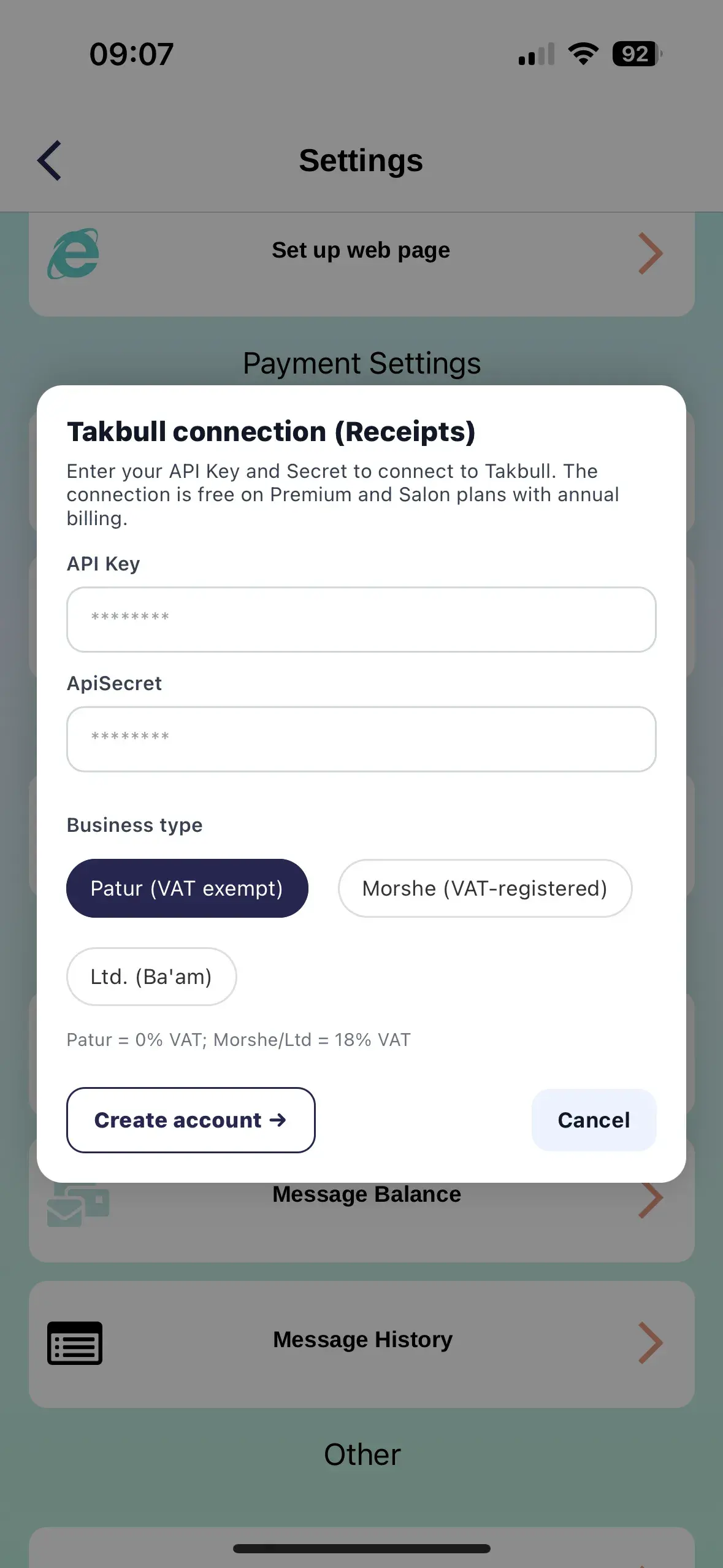
Connect TakBull
Configure document service before the first receipt
- Create or activate a TakBull account
- Receive the connection details
- Open document settings in ZmanUp
- Enter the TakBull details and save
- Check the next document number
- Create a test document
Recipient details
Not every field is required
A separate first and last name for receipts can be saved on the client card. If some information is unavailable, enter what you have and save.
Receipt name
A separate recipient first and last name
Phone
Used for contact and client identification
Additional details
Completed when needed and available
How to create a receipt
- Complete the appointment or sale
- Check services, products, discounts, and total
- Select the actual payment methods
- Open receipt creation
- Check business and client details
- Enter the document number if required
- Confirm and wait for the document link
What the document contains
Business details
Details from TakBull settings
Client details
Recipient name and available contact information
Items
Services and products with quantity and price
Total
Amount, discounts, and payment split
Date
Document creation date
Number
Sequential document number
Where to find a receipt
- Open the appointment or order
- Go to payment details
- Find the saved document link
- Open, download, or send it to the client
If a receipt cannot be created
TakBull is not connected
Check document settings
Incorrect connection details
Recheck the keys and account status
Document number
Make sure the correct next number is set
Transaction error
Check items, total, and payment method, then try again
ZmanUp is not an accounting system. Documents are created by the connected TakBull service; consult a qualified professional about accounting and tax matters.
Check settings before the first sale
One test document helps verify business details, numbering, services, products, and payment methods in advance.