
Payment methods
Record cash, card, Bit, PayBox, check, transfer, debt, and split payments
How payment tracking works
When completing an appointment, select the method actually used. The data is used in financial statistics, client history, and receipt creation.
Available methods
Choose one method or split the amount
Cash
Cash payment
Card
Bank card payment; the last four digits can be saved
Bit
Payment through Bit
PayBox
Payment through PayBox
Check
A check number can be recorded
Bank transfer
A transfer number or note can be recorded
Debt
The unpaid amount is saved as client debt
Split payment
Several methods in one appointment
An amount can be split, for example, between two cards or between card and cash. Each part has its own method and amount.
- Choose split payment
- Add the required number of parts
- Select a method for every part
- Enter amounts and reference numbers
- Make sure all parts equal the total
- Save the payment
Payment as debt
The unpaid part remains on the client card
Choose Debt for the full amount or one part of a split payment. It appears on the client card and in financial indicators.
Online payment
Prepayments and payment links
Payment link
Send the client a secure link
Prepayment
Collect payment during online booking
Products
Accept online payment for products
Status
Payment is saved after provider confirmation
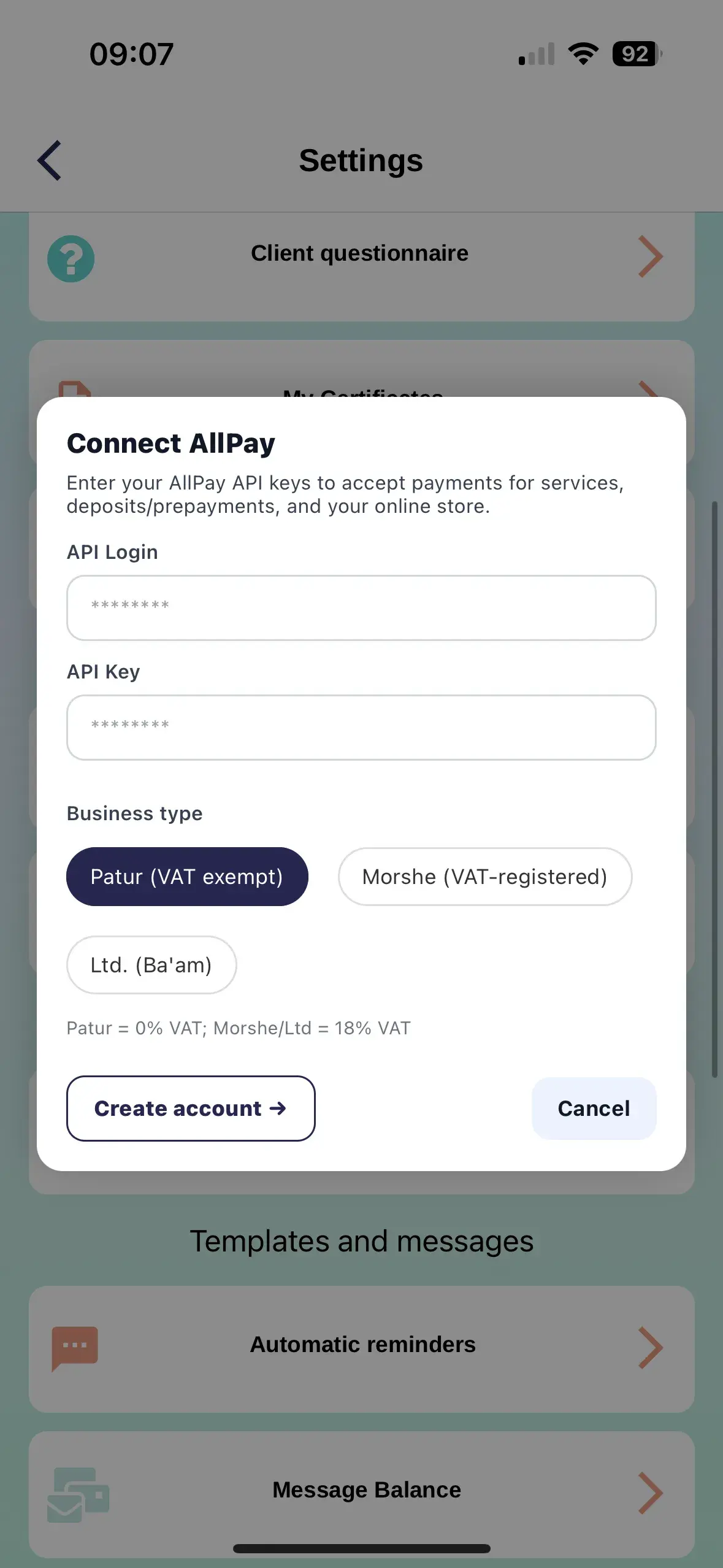
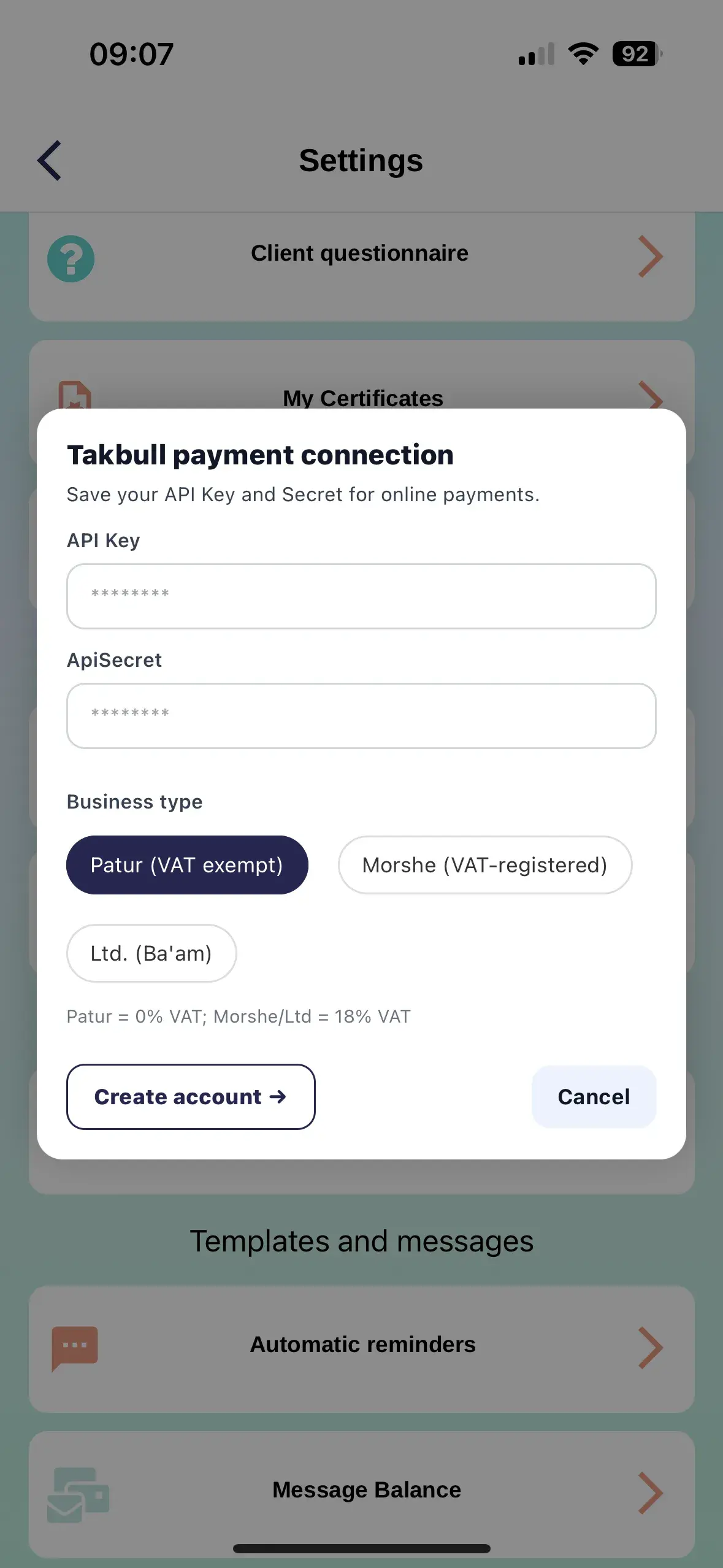
Online acquiring is connected separately. After provider activation, configure it in ZmanUp using the connection details you receive.
How to save a payment
- Open the appointment
- Go to completion and payment
- Check the total and discounts
- Choose one method or split payment
- Enter the additional details
- Save the changes
If payment cannot be saved
Amounts do not match
Check the total of all split-payment parts
Reference is missing
Enter a check, transfer, or card reference when required
Online payment declined
Check the transaction status with the payment provider
Status is pending
Some transactions need time for confirmation
Record the actual payment method
Accurate payment methods ensure correct revenue, debt, and receipt amounts.